eQMS Selection Scorecard: Free Download
A one-page scorecard and evaluation guide for comparing electronic quality management systems on seven questions, built for quality, IT, operations and procurement teams.
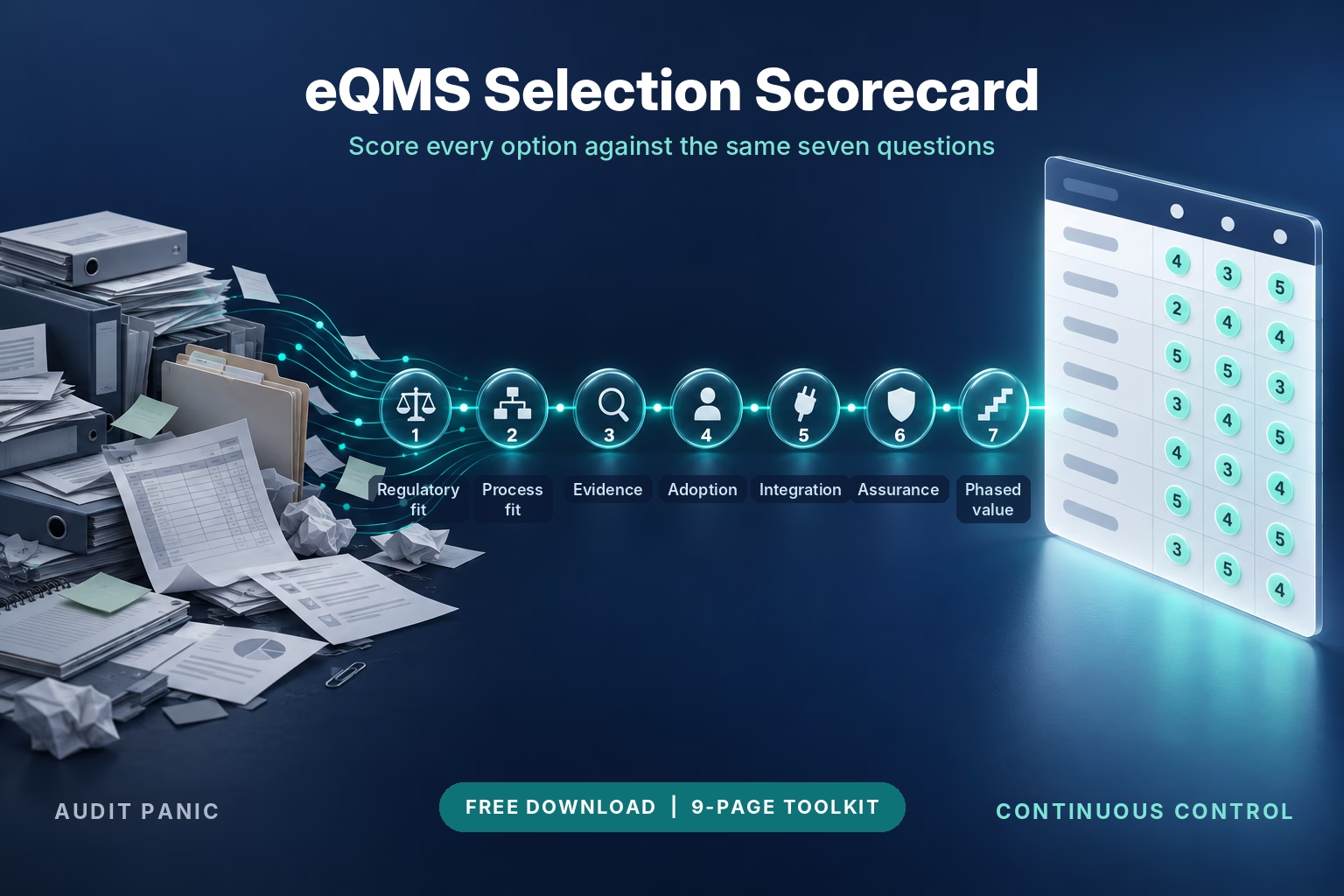
Score every eQMS option against the same seven questions.
Choosing an electronic quality management system is where expensive mistakes happen. This toolkit turns the seven selection questions from our eQMS Explained video into a scorecard your team can fill in during vendor demos, with an evaluation guide behind it that gives every question its context. Share it with quality, IT, operations and procurement, score separately, and compare the results before you decide, when disagreements are still cheap to resolve.
What’s Inside the Toolkit
The toolkit is a nine-page landscape Word file. Page 1 is the one-page scorecard. Eight pages of evaluation guide follow.
Section 1: Scoring Grid
✓ Seven rows, one per selection question: regulatory and market fit, process fit, evidence and traceability, adoption and usability, integration and data model, computerized system assurance, and phased implementation and value
✓ Each row lists what to ask the vendor or ask to see, with a score box for each of up to three options
✓ Header block for your organization, the evaluator, the date and the options compared
✓ Designed to be completed during a vendor demo, and fits on one landscape page
Section 2: Scoring Guide
- A five-point scale that ties every score to the evidence you saw: 5 = fully meets, shown live in the demo; 4 = meets, shown in documentation; 3 = meets with workarounds; 2 = partly meets; 1 = does not meet the need
- Maximum of 35 points per option, with a total row for each of the three options
Section 3: Totals and Decision Notes
- Open questions for each vendor: space to capture what each vendor still needs to answer in writing
- Phase-one scope: space to name the first high-risk or high-friction workflow your implementation will cover
- A reference line pointing to the regulations and guidance behind questions 1, 3 and 6
Section 4: Evaluation Guide
- How to run the evaluation in six steps, and which roles lead on which questions
- The seven questions in depth: why each one matters, what to ask or ask to see, what evidence earns a 4 or 5, and which warning signs to watch for
- A scripted supplier nonconformance demo scenario in eight steps, so every vendor shows the same work
- How to read your results, including optional weighting and a worked example
- A glossary of 14 terms and the regulatory source list
Who This Toolkit Is For
| Quality and Regulatory Leaders
You own the decision and answer to auditors. Use the grid to test each option against your own processes and records, and to show your team why one system fits better than another. |
IT, Compliance and Validation Teams
You assess integration, intended use and system assurance. Questions 5 and 6 give you a structured way to ask what connects out of the box, what needs custom work, and which testing support stays with your organization. |
Operations, Training and Procurement Leaders
You judge adoption, training and value. Questions 4 and 7 help you test usability with real users and agree on measurable outcomes before go-live. |
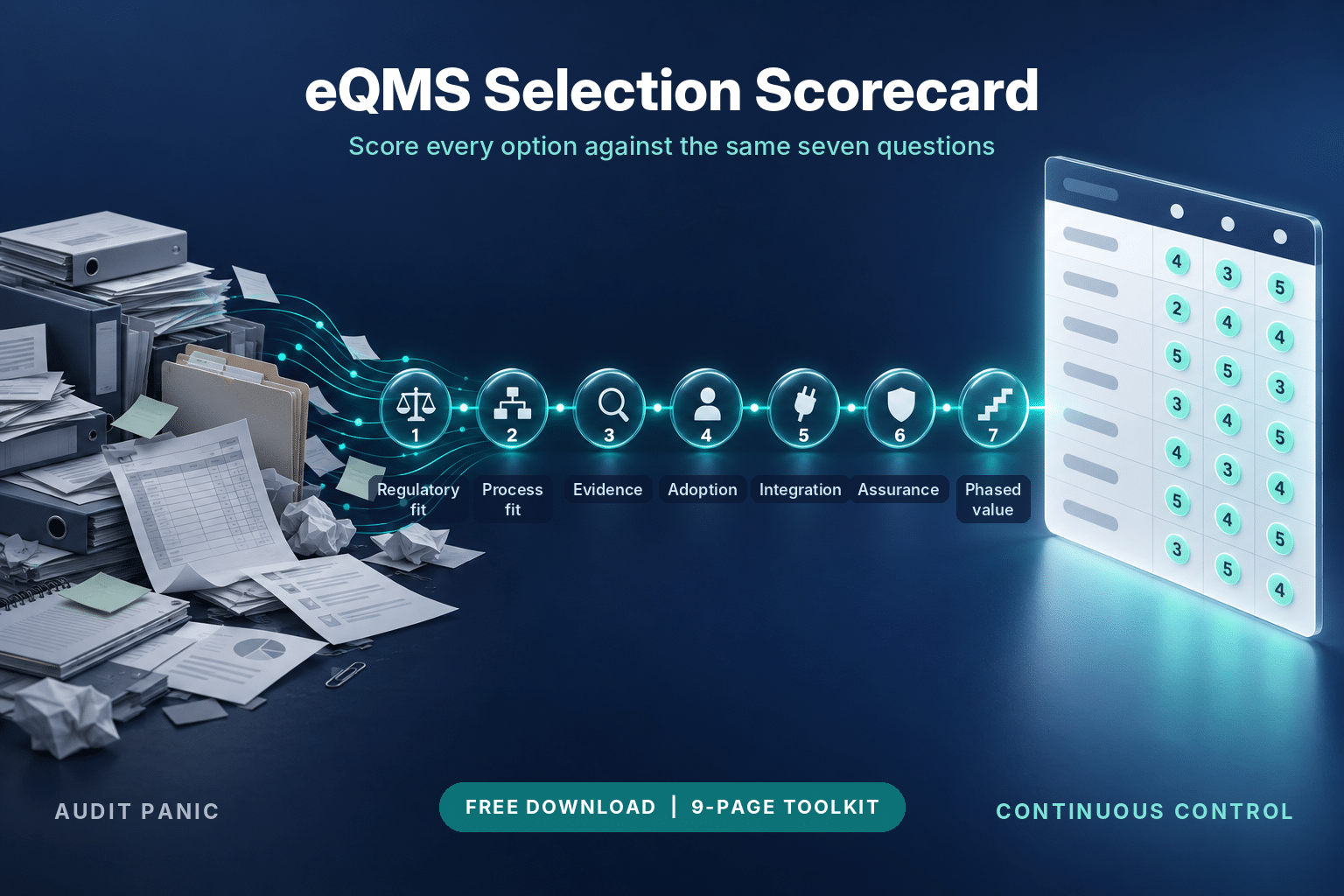
The Seven Questions the Toolkit Covers
Every row of the scorecard comes from one of seven questions. The evaluation guide gives each one its context, the evidence to ask for and the warning signs to watch.
| Question 1: Regulatory and market fit | Which jurisdictions, product classes and GxP obligations apply, which are out of scope, and how the vendor supports your intended use. |
| Question 2: Process fit | Whether the workflow matches your document, training, CAPA, change, audit, risk and supplier processes, tested with your own scenario. |
| Question 3: Evidence and traceability | A live retrieval of a controlled record with its approvals, history, related records and accountable users. |
| Question 4: Adoption and usability | A real approver and a real supplier user completing a task in the demo. |
| Question 5: Integration and data model | Which connections to PLM, ERP, MES, LIMS, identity, learning and analytics tools are standard and which need custom work. |
| Question 6: Computerized system assurance | How intended use, risk, supplier oversight, testing and change control are governed, and which support the vendor provides. |
| Question 7: Phased implementation and value | Which high-risk or high-friction workflows go first, and which outcomes, baselined before go-live, will show value. |
How to Use the Toolkit
| 1 | Open the toolkit and set up the header. Enter your organization, the evaluator and the date, then name the options you are comparing in the Option A, B and C columns. |
| 2 | Score during each demo. Bring your own scenario, such as the supplier nonconformance in the evaluation guide, and ask the vendor team to run it end to end. Score each question from 1 to 5 using the scoring guide, based on what you saw. |
| 3 | Score separately, then compare. Have quality, IT, operations and procurement each complete a copy, then compare totals and discuss every question where scores differ by two or more points. |
| 4 | Record open questions and phase one. Use the decision notes to capture what each vendor still needs to answer and which high-risk or high-friction workflow your first phase should cover. |
About the Regulatory References
Questions 1, 3 and 6 draw on regulations and guidance that apply differently by market and product.
QMSR and ISO 13485:2016 For U.S. medical device manufacturers, FDA’s Quality Management System Regulation has been in effect since February 2, 2026. Revised 21 CFR Part 820 incorporates ISO 13485:2016 by reference, subject to FDA-specific provisions. ISO 13485 certification requirements vary by market and regulatory pathway.
21 CFR Part 11 Sets the criteria under which FDA considers electronic records and electronic signatures trustworthy, reliable and generally equivalent to paper. Whether it applies depends on the FDA predicate rules that cover each record, so no product earns an unconditional “Part 11 compliant” label.
EU GMP Annex 11 Covers computerized systems used in GMP-regulated activities, including lifecycle management, security, supplier oversight, validation, audit trails and electronic signatures.
ALCOA Data integrity guidance, such as the UK regulator MHRA’s, describes attributable, legible, contemporaneous, original and accurate records, with extended expectations for complete, consistent, enduring and available. Treat it as guidance and attribute it to the regulator whose version you rely on.
Reference notice This toolkit is education and does not constitute legal, regulatory, certification or validation advice. Check each source below for its current revision before relying on it. Legal, regulatory and validation questions belong with your own advisors.
Source documents
- eCFR. 21 CFR Part 11, Electronic Records; Electronic Signatures
- eCFR. 21 CFR Part 820, Quality Management System Regulation
- U.S. Food and Drug Administration. Quality Management System Regulation (QMSR)
- International Organization for Standardization. ISO 13485:2016
- European Commission. EudraLex Volume 4, including Annex 11
- Medicines and Healthcare products Regulatory Agency. Guidance on GxP data integrity
Where eLeaP QMS Fits
eLeaP started as a learning management platform with 20 years of history and built its quality management system on top of it. More than 1,200 regulated companies use it. eLeaP QMS covers the full quality system in one connected platform: document control with approval workflows and version comparison, change control, events with investigation, CAPA and effectiveness checks, audits and findings, risk management, design controls with traceability, supplier management, training and a full audit trail.
A useful test in any eQMS demo is whether linked records build as the work happens. Here are three examples to look for when you score process fit and evidence.
| Document approval creates the training trail
When a document is approved, eLeaP generates role-based training assignments, so the record linking a procedure to the people trained on it builds as the work happens. |
SOP revision starts retraining
A revised SOP generates a retraining assignment automatically, so retraining starts without anyone having to remember it. |
CAPA closure waits for verified training
When a CAPA root cause identifies a training gap, eLeaP deploys corrective training and holds closure until completion is verified. |
Bring the scorecard to your demo and ask us to run your own scenario end to end. Book your free demo.